


Instructions for registering to become a Glow partner for Technicians
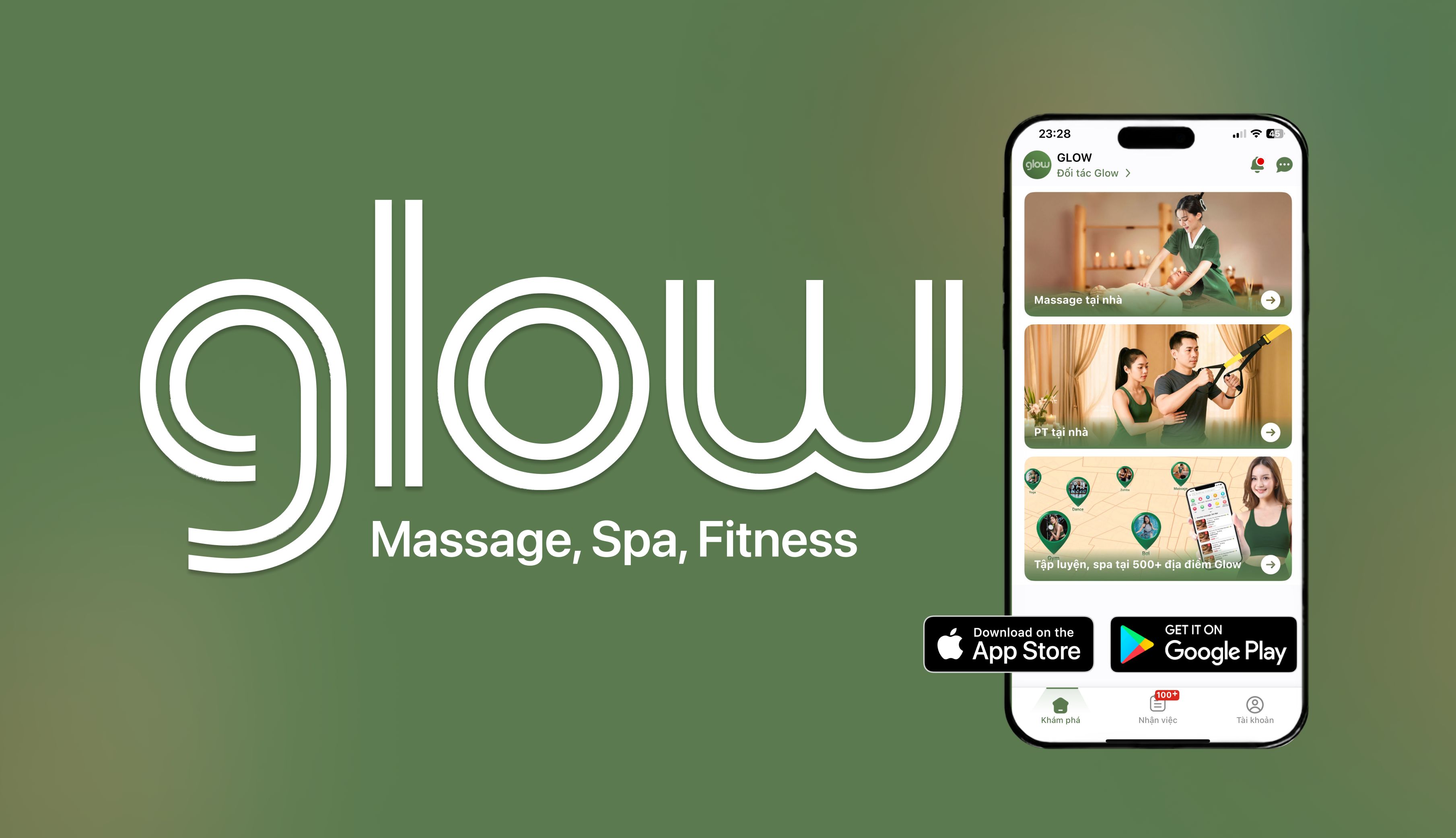
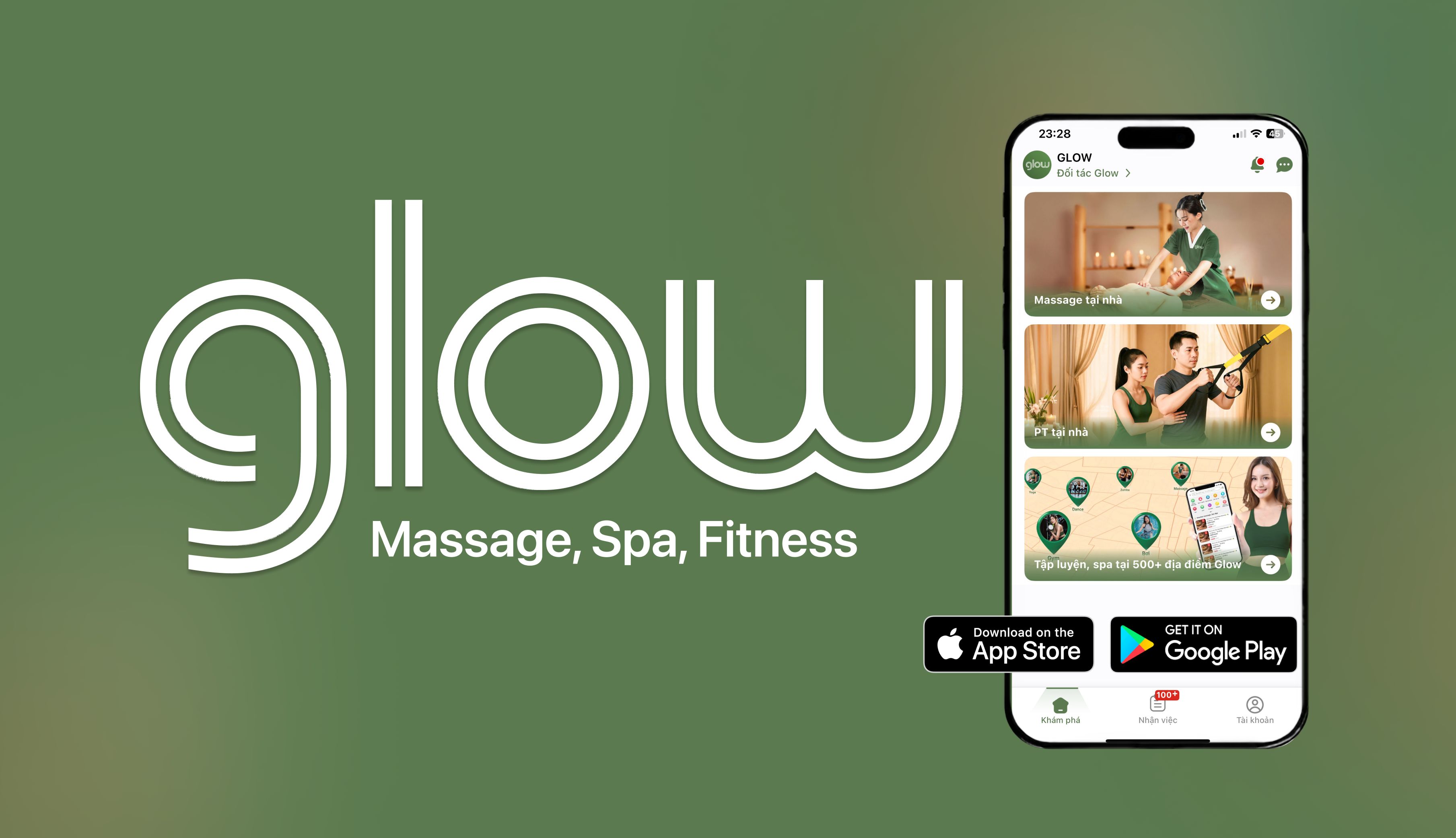
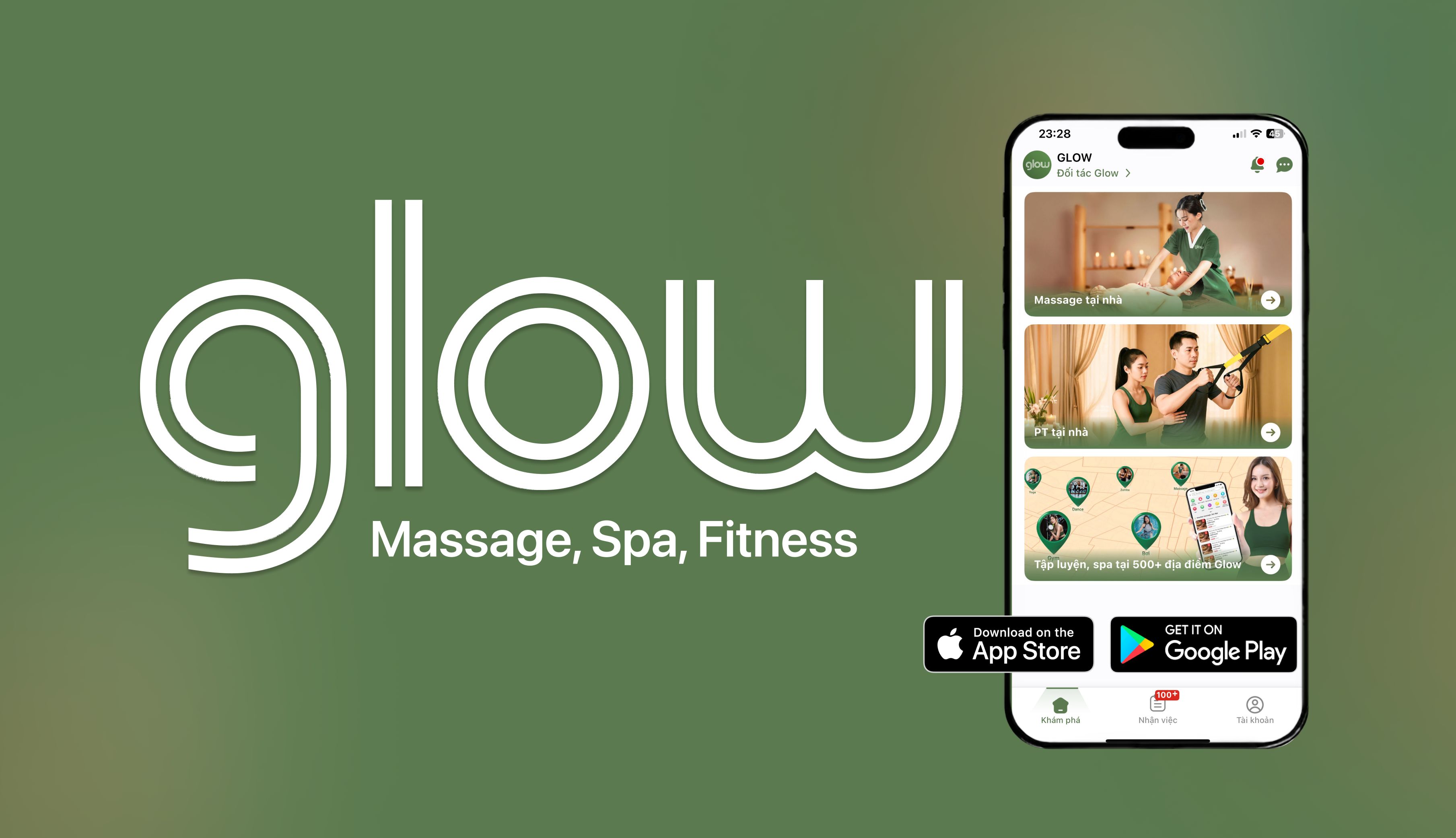
Download the Glow app to receive orders for massage at customers' homes.
-
Google Play (Android):
https://play.google.com/store/apps/details?id=com.glow.mobileApp -
App Store (iPhone):
https://apps.apple.com/app/glow/id6443428819
Step 1: After registering and logging in, click "Become a Glow Partner"
Step 2: Select “Freelance technician”
Step 3: Provide necessary information
Upload your photo, fill in your name, gender, year of birth, city and district where you live and work, and describe yourself. Note that all information needs to be filled in correctly, otherwise Glow will permanently cancel the cooperation. Then press the "Continue" button.
Step 4: Choose the service you provide
Click the + sign to add the service you provide and enter the price for that service. Note, only add services that you know how to do and are proficient in. Then press the button “Complete quote”
Step 5: Receive orders and go to work



Glow - On-demand services booking platform


Information
0110124791


Địa chỉ: Tầng 5, 170 Trần Duy Hưng, Phường Yên Hòa, Thành phố Hà Nội. Người đại diện theo pháp luật: Đỗ Thanh Bình - Giám đốc. Điện thoại: 0888129100. Email: [email protected]
Glow - On-demand services booking platform
Information
0110124791
Địa chỉ: Tầng 5, 170 Trần Duy Hưng, Phường Yên Hòa, Thành phố Hà Nội. Người đại diện theo pháp luật: Đỗ Thanh Bình - Giám đốc. Điện thoại: 0888129100. Email: [email protected]